 Claude Code
 Codex
Codex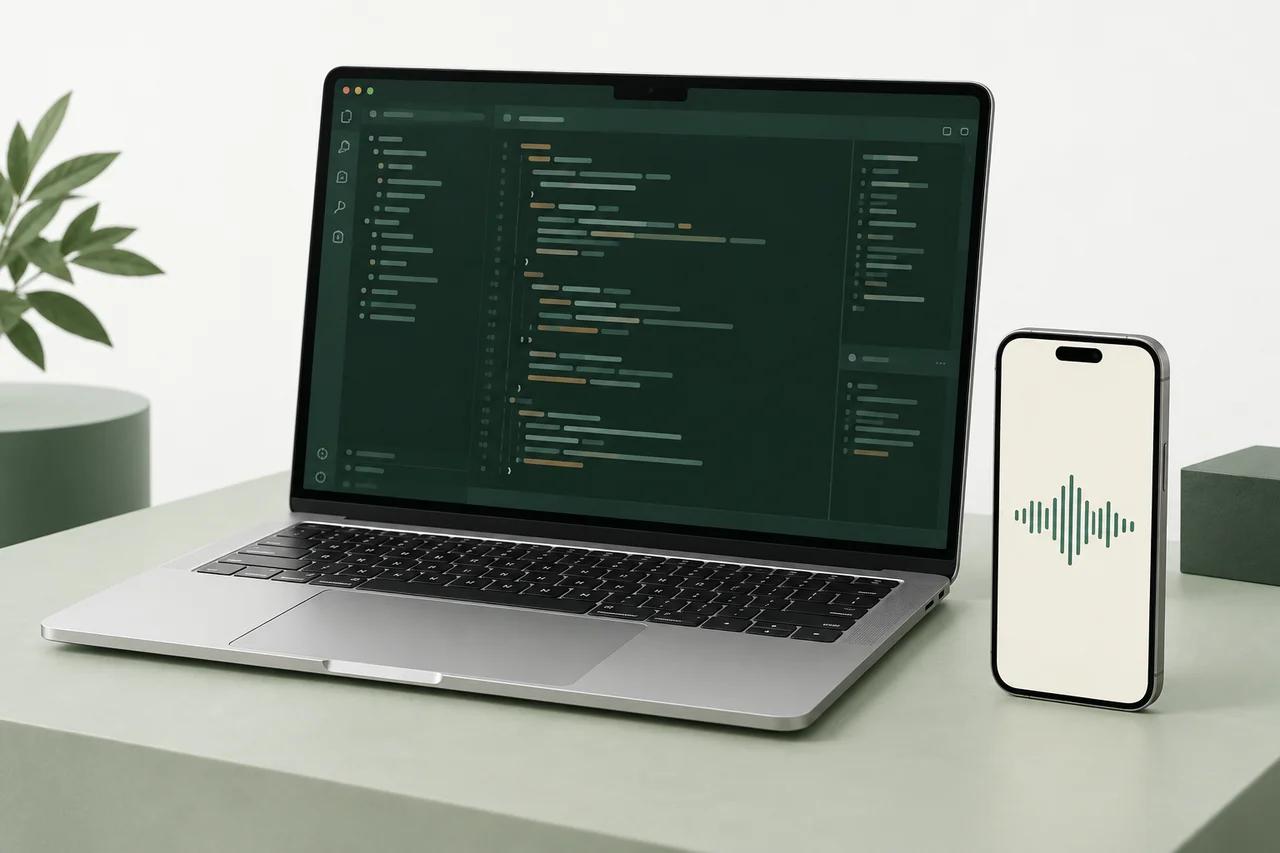
Mac
Preview availableYour projects and coding agent, with a desktop workspace for conversations and activity.
Get it for Mac Apple silicon · v0.2.9
Voice for your coding agent
Your next idea doesn’t need a keyboard. Speak to Claude Code or Codex working on your Mac or Linux computer, and hear what happens next.
Mac & Linux preview · iPhone via TestFlight invitation
01 / A simple connection
Install Handsfree on Mac or Linux. Connect your coding agent and choose your projects.
Sign in with the same account, then scan the pairing code on your computer.
Describe a change. Your agent gets to work, and you hear the results on your phone.
Keep your computer on and connected. Remote access currently uses Tailscale on both devices. Setup guides
02 / Meet your setup
Run your agent on Mac or Linux.
Bring your phone into the conversation.
Your projects and coding agent, with a desktop workspace for conversations and activity.
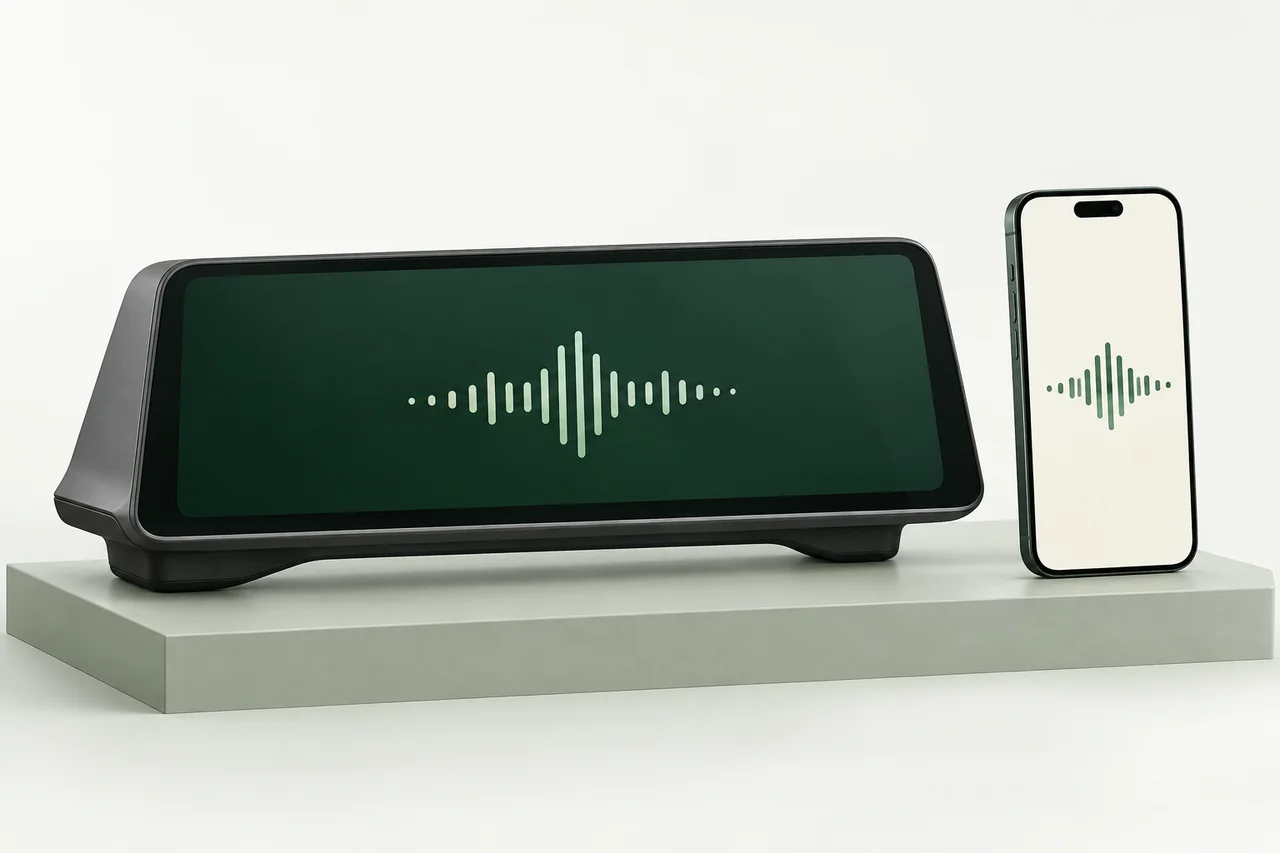
Talk through your next change on iPhone. A voice-focused CarPlay experience is on the way.
CarPlay: Awaiting Apple approval.
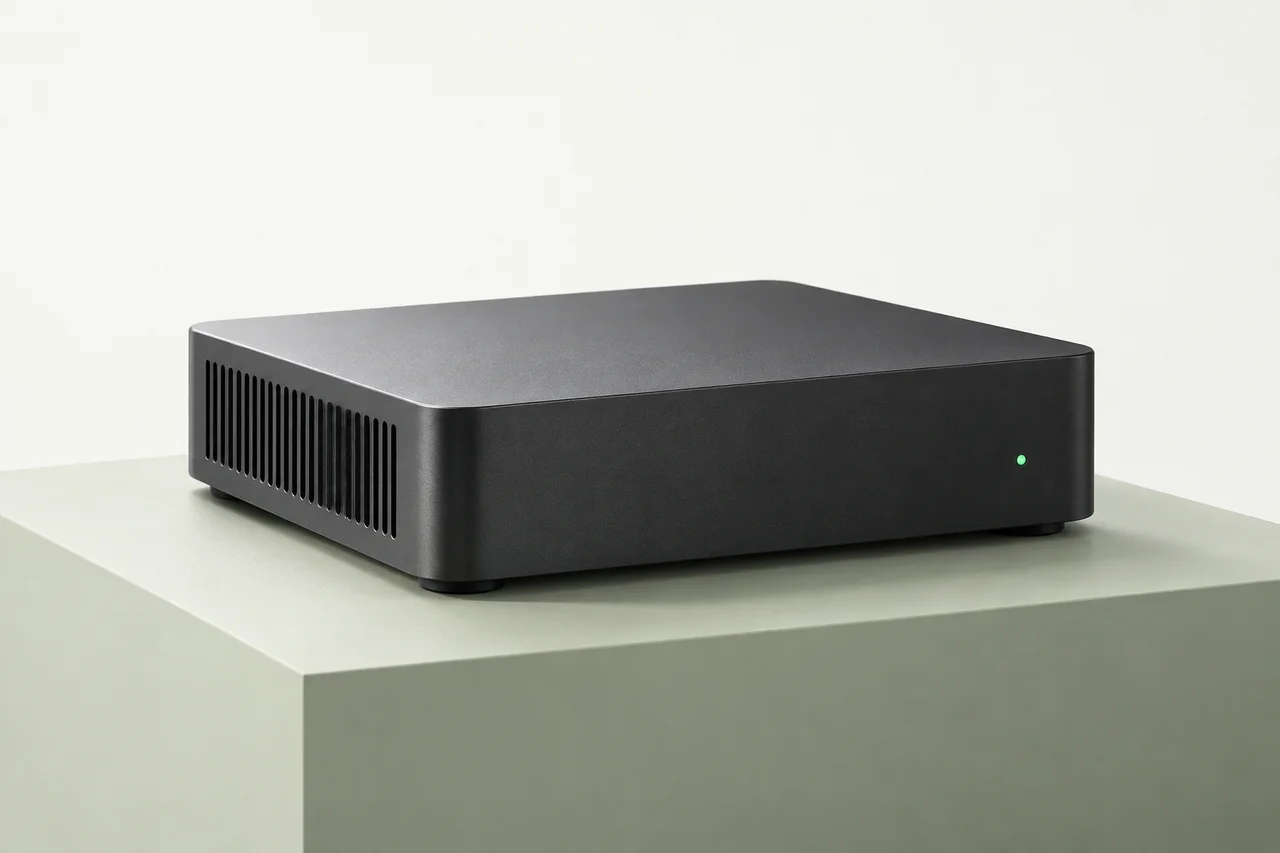
Keep your agent on your Linux machine. Set up in a browser and join in from your phone.
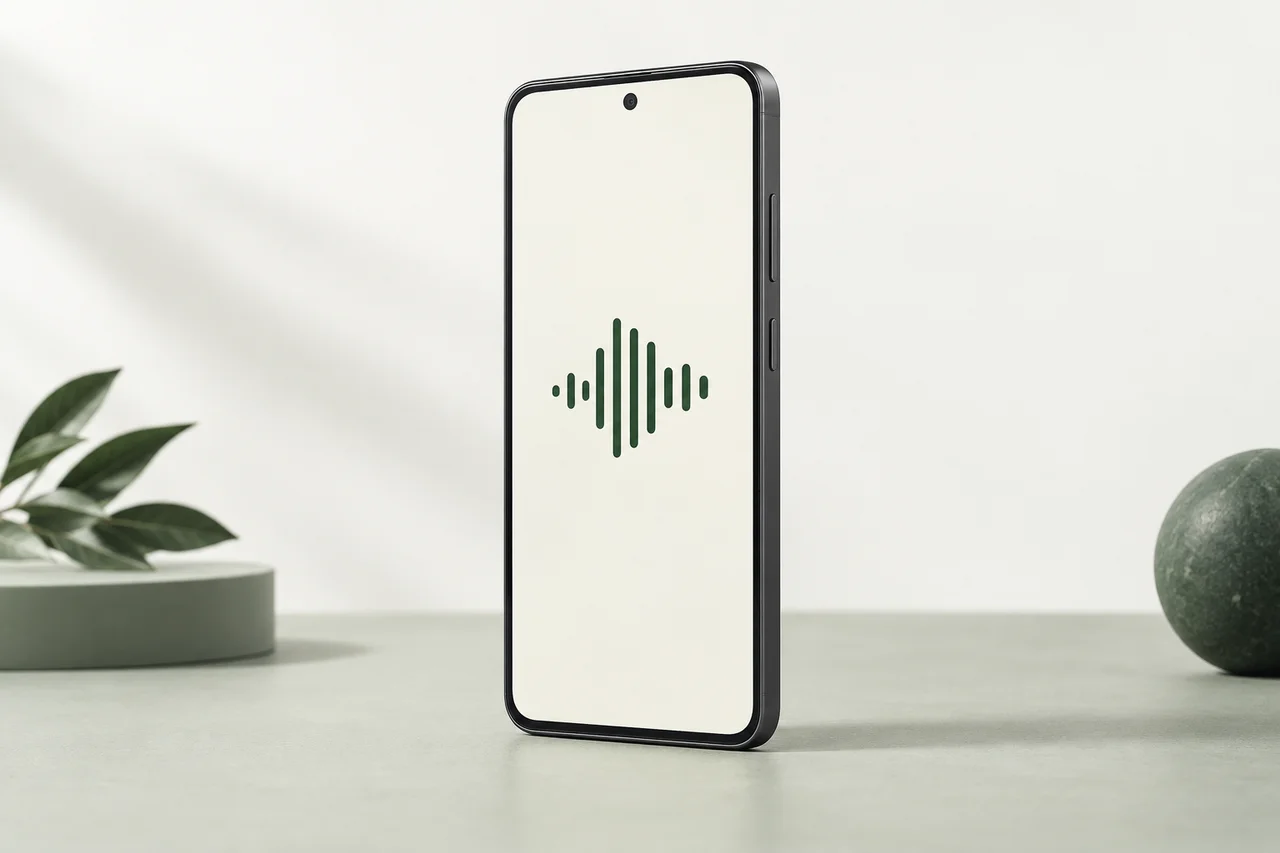
The Handsfree phone experience, planned for Android. Connected to the same Mac and Linux hosts.
At your computer? Open the desktop app
03 / Keep your train of thought
You say
“Add a dark mode toggle and run the tests.”
Your agent works on your computer
You hear
“I’ve added the toggle. The theme tests pass. Want a summary of the changes?”
Ready for your next thoughtIllustrative requests and replies. Actual results vary.
Read files, make changes, and run commands with the coding agent on your connected computer.
Listen to spoken replies, ask follow-up questions, and guide the next step.
Return to a saved Handsfree conversation with its history and project context.
Open the transcript and tool activity whenever you want to inspect the work on screen.
04 / Start with a thought
“Walk me through what happens when someone signs in.”
“Where would you simplify it?”
“Add an empty state to the projects page using our existing styles.”
“Run the tests and summarize the changes.”
“Why does the settings page lose my selection after a refresh?”
“Fix the cause and add a regression test.”
Example requests. What your agent can do depends on its setup and project access.
Your phone handles the conversation. The coding agent runs on your connected Mac or Linux computer, where it can work with your project files and development tools.
Yes, while your computer is on and reachable through the private connection. Current setup uses Tailscale on your phone and computer. Keep the iPhone app open while talking; leaving the app pauses listening.
A supported Mac or Linux computer, a configured coding-agent account, and the iPhone app through a TestFlight invitation. Handsfree works with Claude Code and Codex. Coding-agent access and usage are separate from Handsfree.
See downloads and requirementsYour agent works on files on your computer. On iPhone, speech recognition and reply playback run on the device; recognized text goes to your computer. Your agent may send project context to its AI provider.
Read the privacy noticeYou can resume saved Handsfree conversations and their project context. Pairing does not automatically import every conversation from a terminal or another agent app. You can also read the transcript in Handsfree’s desktop workspace.
Handsfree
Set up your computer, connect your phone,
and talk through your next change.
Mac & Linux preview · iPhone by TestFlight invitation